
Tap to Pay on G Line
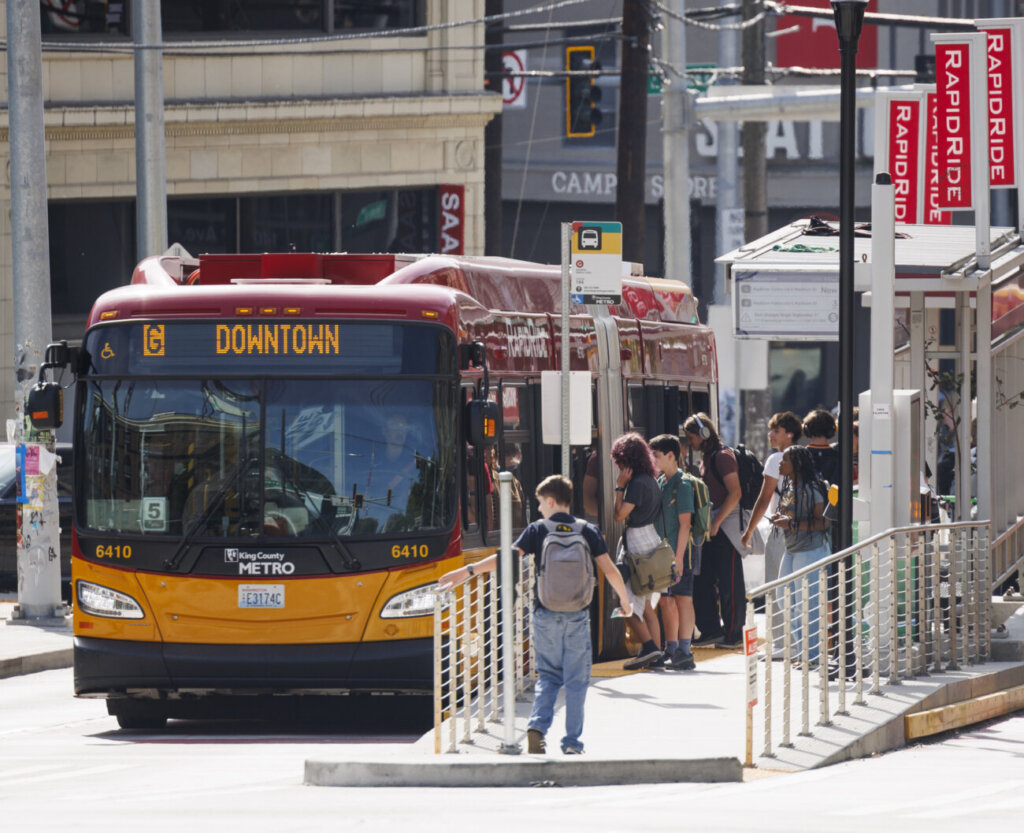
Tap to Pay is soft launching on the King County Metro RapidRide G Line bus starting February 2, 2026.
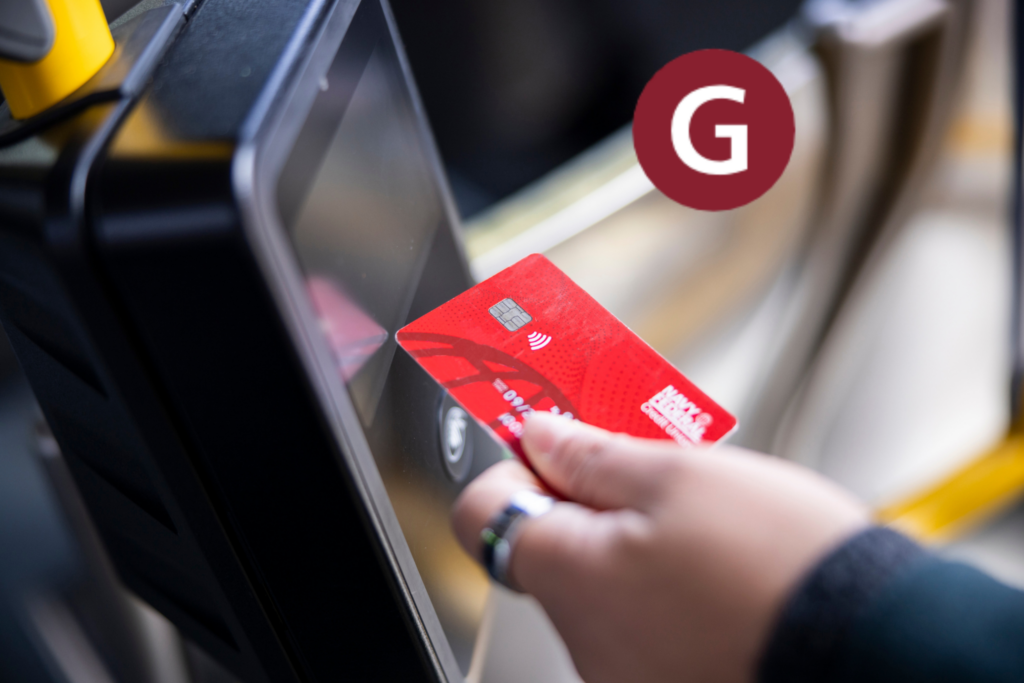
If you would like to give it a try, grab your contactless credit or debit card and simply Tap to Pay. Or, tap your phone to use Apple Pay™, Google Pay™, or Samsung Pay™.
Prefer using an ORCA card? Keep tapping as usual, ORCA cards are here to stay!






Using Credit or Debit Cards on G Line Buses
No Transfers Across Services*
During soft launch, you will not receive free, 2-hour transfer benefits between G Line and other modes of transit.
- You can receive automatic transfer benefits on G Line only.
- If you pay G Line fare using a credit or debit card and also ride another mode of transit, you will have to pay your fare again using an ORCA card or other currently accepted form of payment.
*You can ask the operator for a paper transfer after tapping a credit or debit card. A paper transfer will allow you to transfer only between King County Metro services.
Adult Fares Only
Riders who use a credit or debit card will be charged a full, Adult fare.
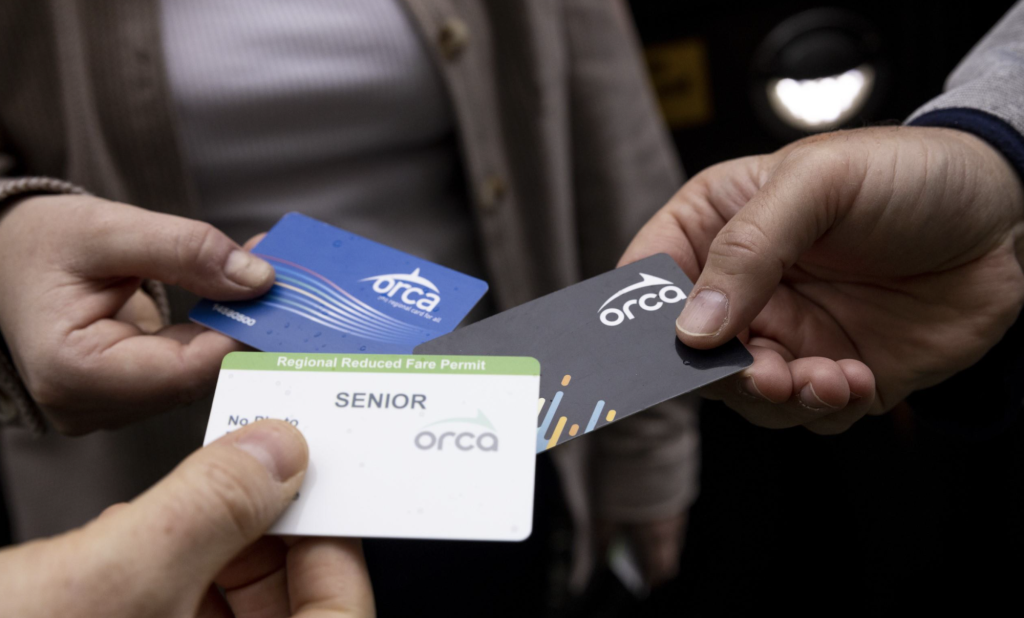
- Reduced or free fares are only available on ORCA cards. If you qualify for ORCA LIFT, Senior, Disabled, or Youth fares and do not want to pay full fare, continue using your ORCA card.
- If you received your ORCA card from your employer, school, or another organization and do not want to pay full fare, you should continue using your existing ORCA card.
Remove Card from Wallet
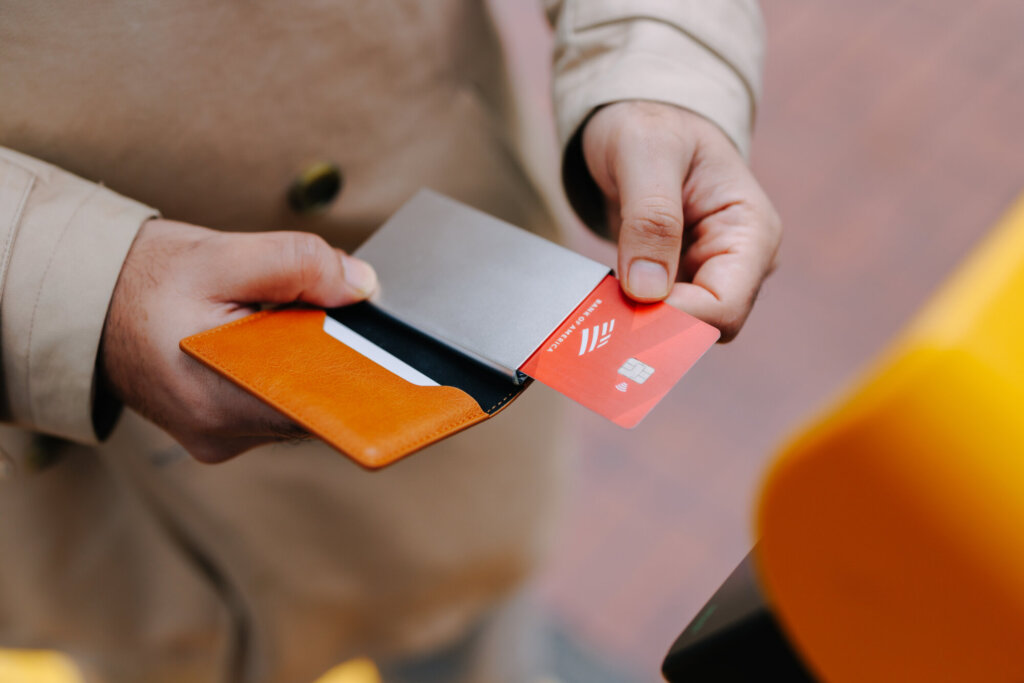
Do not tap your entire wallet on the card reader. Take out the credit or debit card you wish to use before tapping.
- If you have an ORCA card in your wallet, the card reader may default to charging your ORCA card rather than your credit or debit card if you tap your entire wallet.
- If you have both an ORCA card and a credit or debit card in Google Wallet™, the card reader should default to charging your digital ORCA card when tapped. If you wish to use a digital credit or debit card, select that form of payment on your smart device before tapping.
Fare Inspection
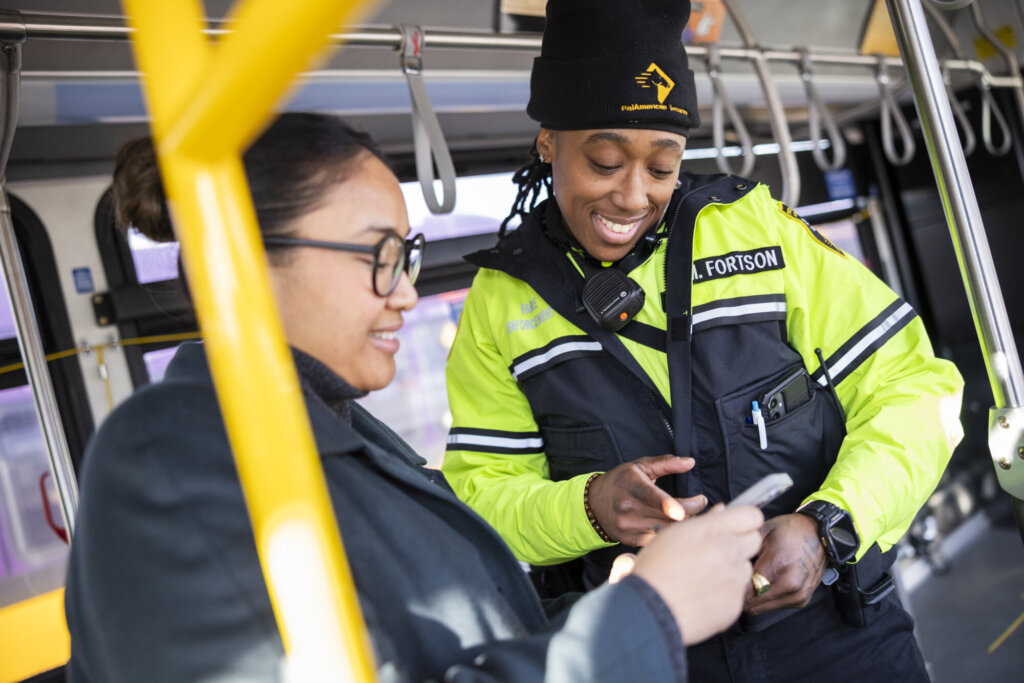
If you encounter fare inspection staff during your trip, you are required to share the last 4 digits of the credit or debit card you tapped to ride.
- In certain scenarios, you may also need to provide the first 6 digits of your card number.
- Confirming you paid your fare looks different with Tap to Pay, learn more below.
One Rider Per Card or Device
Everyone needs their own payment method to ride. Riders cannot pay for multiple riders or groups using one card or device.
Types of cards you can tap to pay include:
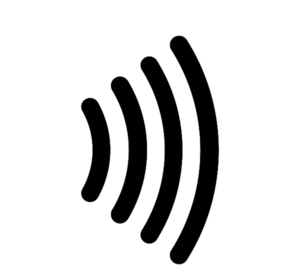
- Physical Visa, Mastercard, American Express, or Discover Network cards with a contactless symbol,
 .
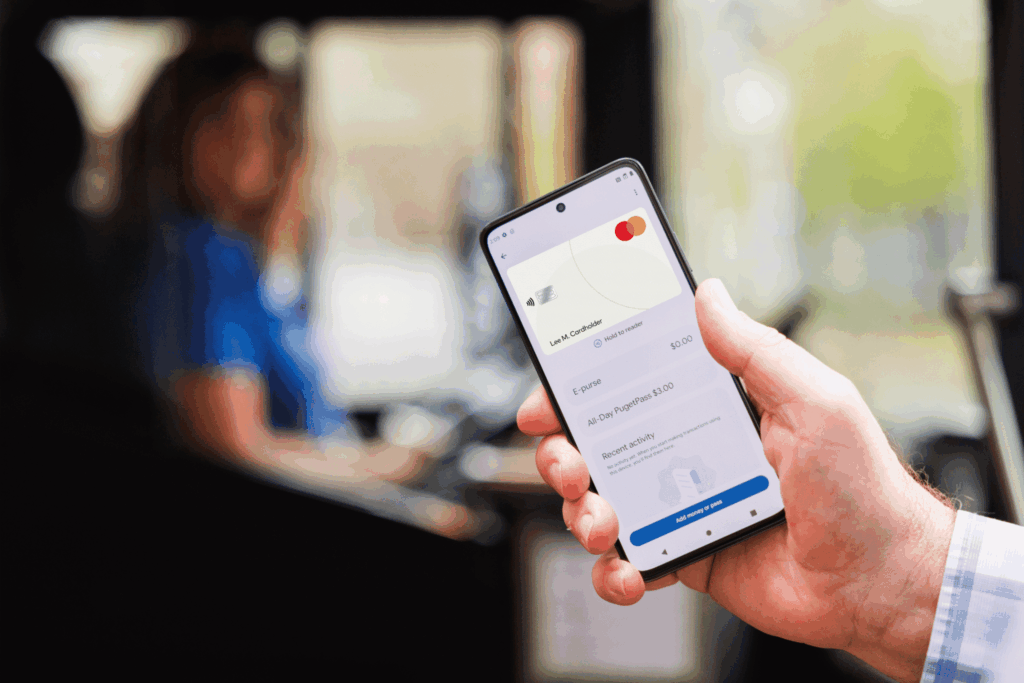
. - Digital credit or debit cards in your phone or smart device. Make sure you have a card loaded in your digital wallet before tapping using Apple Pay, Google Pay, or Samsung Pay.
Declined Cards
Credit or debit cards may decline if you Tap to Pay while there are insufficient funds available on your credit or debit card. You can do the following to correct the issue:
- Add funds to your credit or debit card.
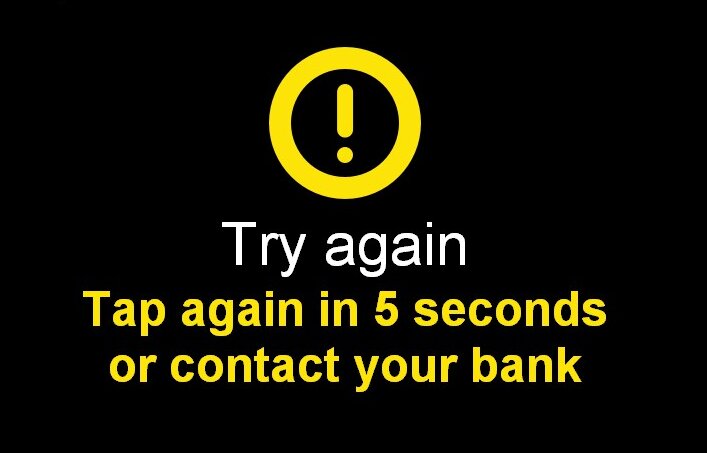
- Tap the declined card on an ORCA card reader next time you ride. You will see a yellow alert message after you tap. Follow the instructions on the screen and wait at least 5 seconds to tap again.
- Tap your card on the card reader for a second time and a green checkmark should appear. You will be charged for the unpaid fare plus your current fare payment.
No Transfers Across Services*
During soft launch, you will not receive free, 2-hour transfer benefits between G Line and other modes of transit.
- You can receive automatic transfer benefits on G Line only.
- If you pay G Line fare using a credit or debit card and also ride another mode of transit, you will have to pay your fare again using an ORCA card or other currently accepted form of payment.
*You can ask the operator for a paper transfer after tapping a credit or debit card. A paper transfer will allow you to transfer only between King County Metro services.

Tapped a Credit Card? Be Prepared to Share First 6 and Last 4!
If you tap to ride using a credit or debit card, fare inspection staff will ask you to share the last 4 digits of your card number during fare inspection. In some scenarios, you also may be asked to share the first 6 digits of your card number. This information allows fare inspection staff to confirm that you have paid your fare for your trip.
The last 4 digits of a credit card number are not unique to your card and allow fare inspectors to review transaction history without having access to sensitive information.
What to Expect During Fare Inspection
Transit agency fare inspection staff check transit fares, issue violations, and help answer passenger questions aboard transit.
Fare inspectors may ask for proof of payment on transit. They are transit employees trained to safely manage fare information, and they will always wear agency issued uniforms and identification, pictured above.
To verify fare was paid when using a credit or debit card, you must provide the last 4 digits of the card you tapped to pay. You can tell fare inspectors the last 4 digits of your card, or cover your card numbers and show only the last 4 digits.
Your card will never be scanned and you should never hand your card to fare inspection staff. Please keep your card on you at all times and only share the last 4, and if necessary, first 6 digits of your card. Fare inspectors will not ask for more information than what is necessary.
Helpful Resources
Check Your Tap to Pay Trip History
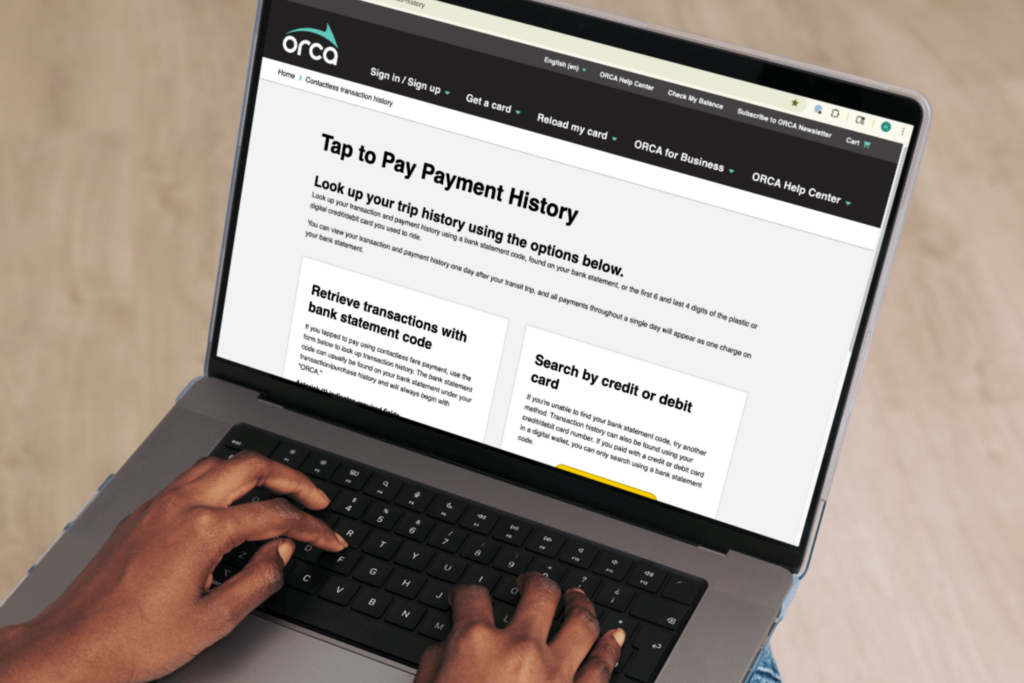
If you tapped to pay using a contactless fare payment, you can look up your transaction and payment history using a bank statement code or the first 6 and last 4 digits of the physical credit or debit card you used to ride. If you used a digital wallet, you can search using a bank statement code.
Looking to report an issue during soft launch?
Please reach out to Customer Support for assistance.
Google Pay and Google Wallet are trademarks of Google LLC.