
Tap to Pay with a Credit or Debit Card
You can now Tap to Pay for transit around Puget Sound!
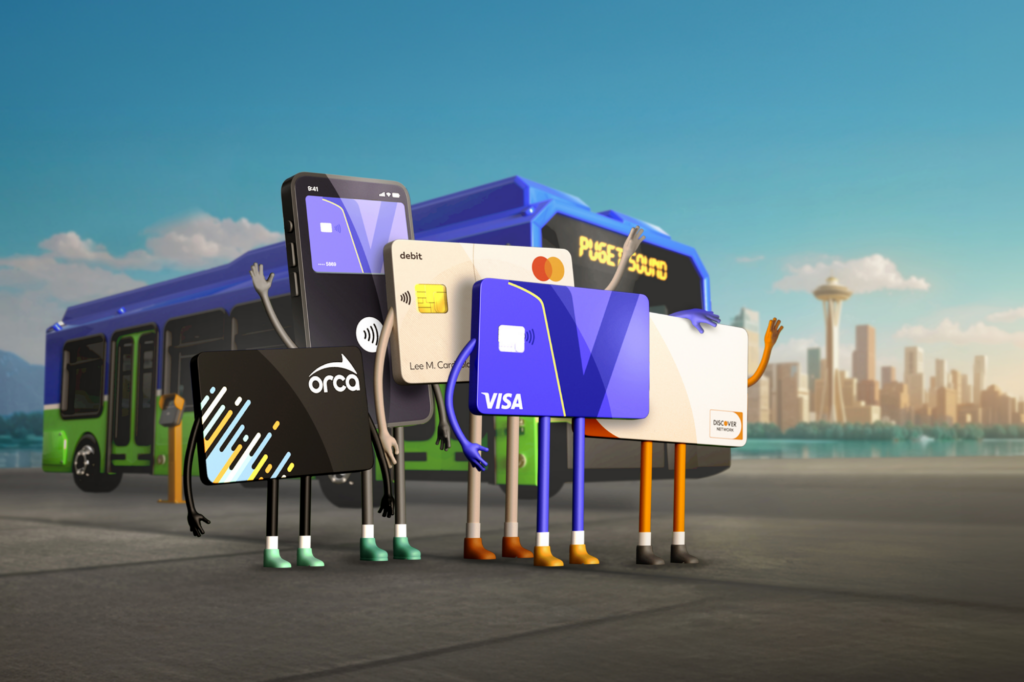
It’s easier than ever to pay your transit fare! Tap your credit or debit card, or use Apple Pay™, Google Pay™, or Samsung Pay™ on your phone or smart device.
Every Card is Welcome Aboard







How to Use Tap to Pay on Transit
How to Tap to Pay
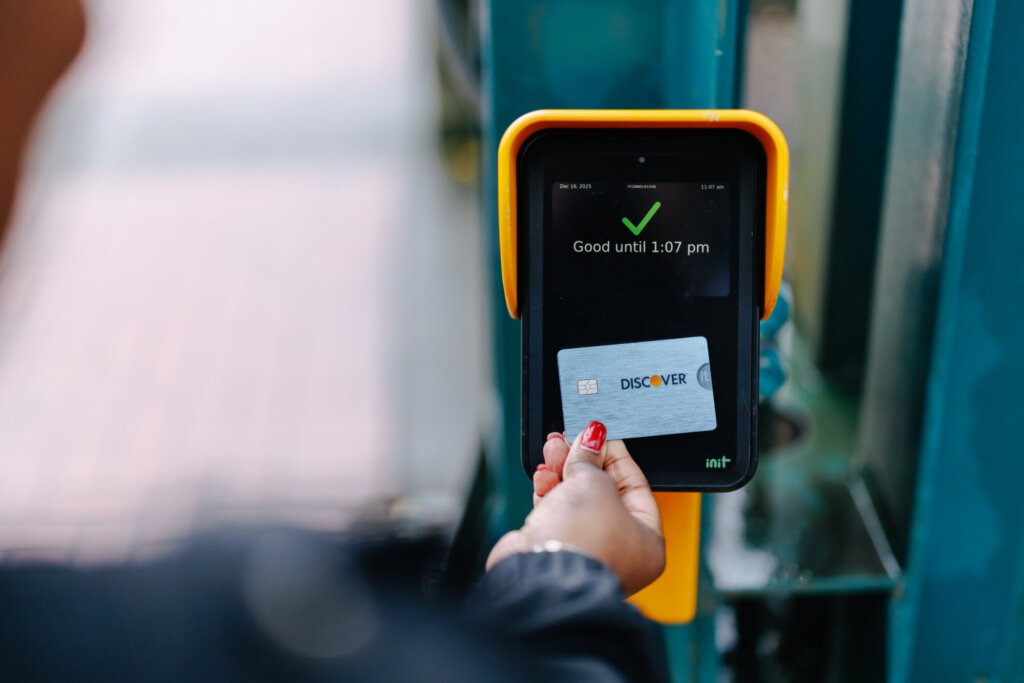
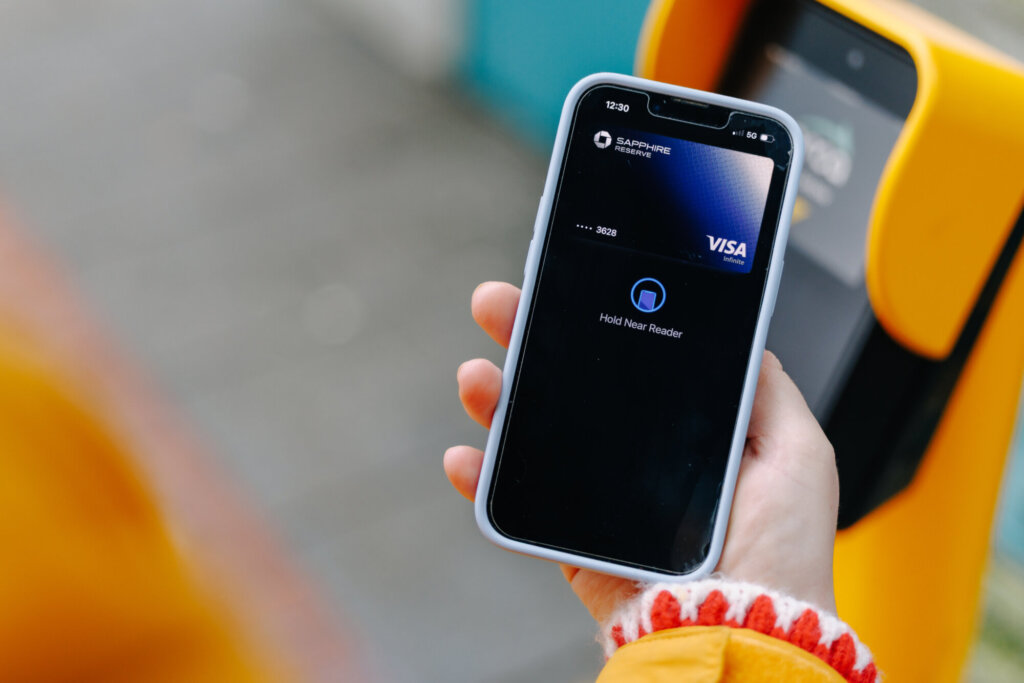
It’s easy to pay your fare using Tap to Pay! Simply tap a physical credit or debit card, or a smart device with a credit card loaded into your digital wallet, on the ORCA card reader. Wait until you hear a “boop” and see a green checkmark, and you’re ready to ride.
- With Apple Express mode, you can tap to pay if your Apple smart device is locked or unlocked.
- Android users can enable “skip verification for transit” and tap to pay using Google Pay without needing to wake up their screens.
Remove Card from Wallet
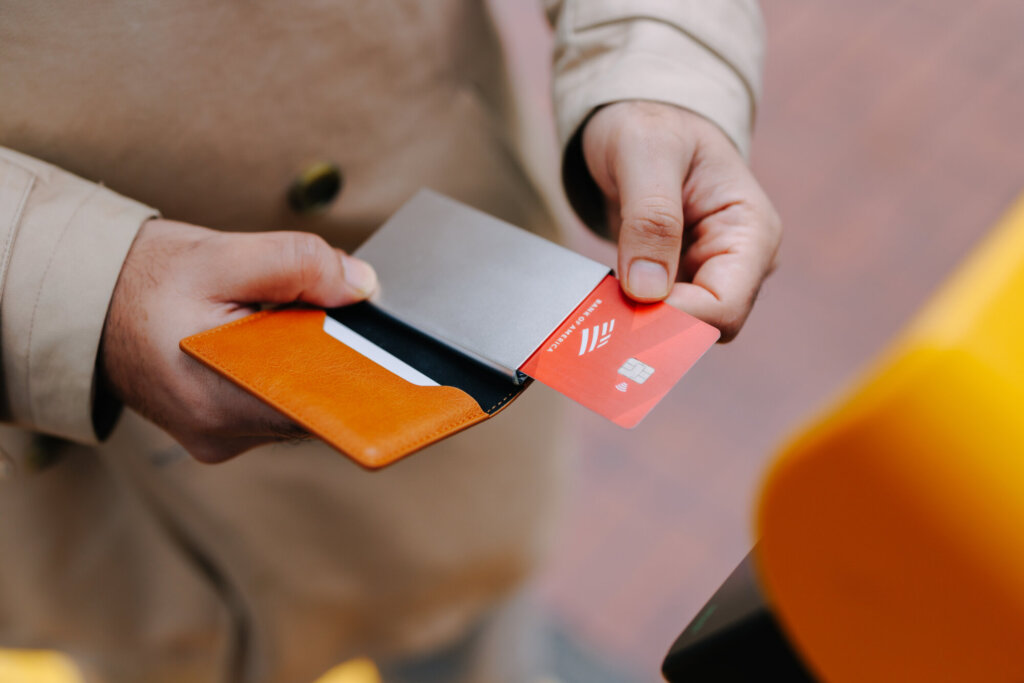
Do not tap your entire wallet on the card reader. Take out the credit or debit card you wish to use before tapping.
- If you have an ORCA card in your wallet, the card reader may default to charging your ORCA card rather than your credit or debit card if you tap your entire wallet.
- If you have both an ORCA card and a credit or debit card in Google Wallet™, the card reader should default to charging your digital ORCA card when tapped. If you wish to use a digital credit or debit card, select that form of payment on your smart device before tapping.
Adult Fares Only
Riders who use a credit or debit card will be charged a full, adult fare.
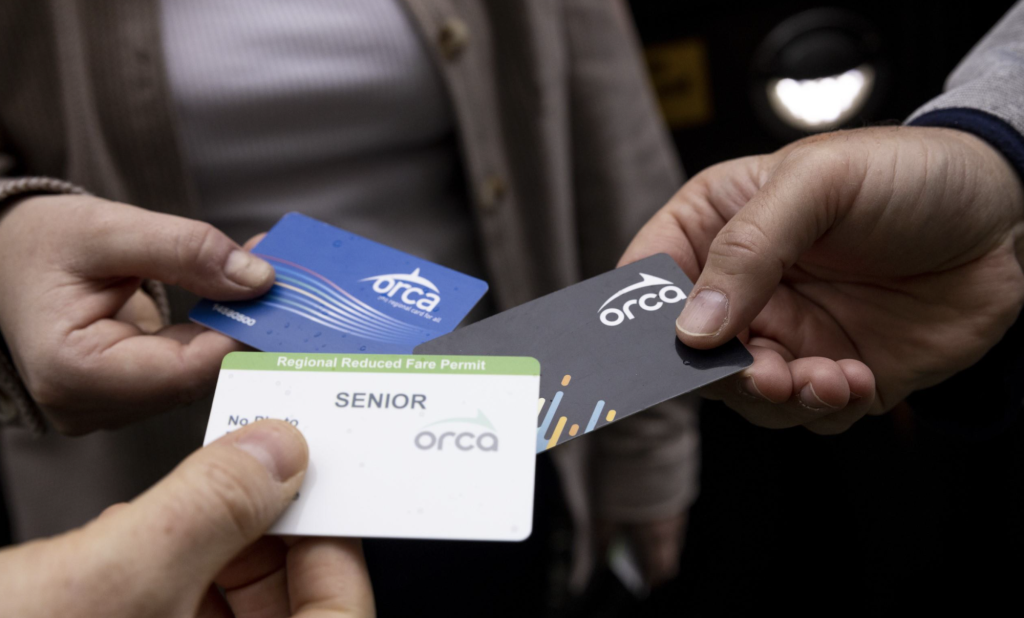
- Reduced or free fares are only available on ORCA cards. If you qualify for ORCA LIFT, Senior, Disabled, or Youth fares, continue using your ORCA card. Visit our Ways to Save page to learn more.
- If you received your ORCA card from your employer, school, or another organization, you should continue using your existing ORCA card.
Transfers Between Services
Tap the same contactless credit or debit card each time you ride to receive the same two-hour, transfer benefit you experience with ORCA cards. Transfers only work between transit services which accept Tap to Pay and transfer benefits.
TIP: If you plan to take multiple trips throughout the same day, an All-Day PugetPass loaded onto an ORCA card can save you money on fares.
One Rider Per Card or Device
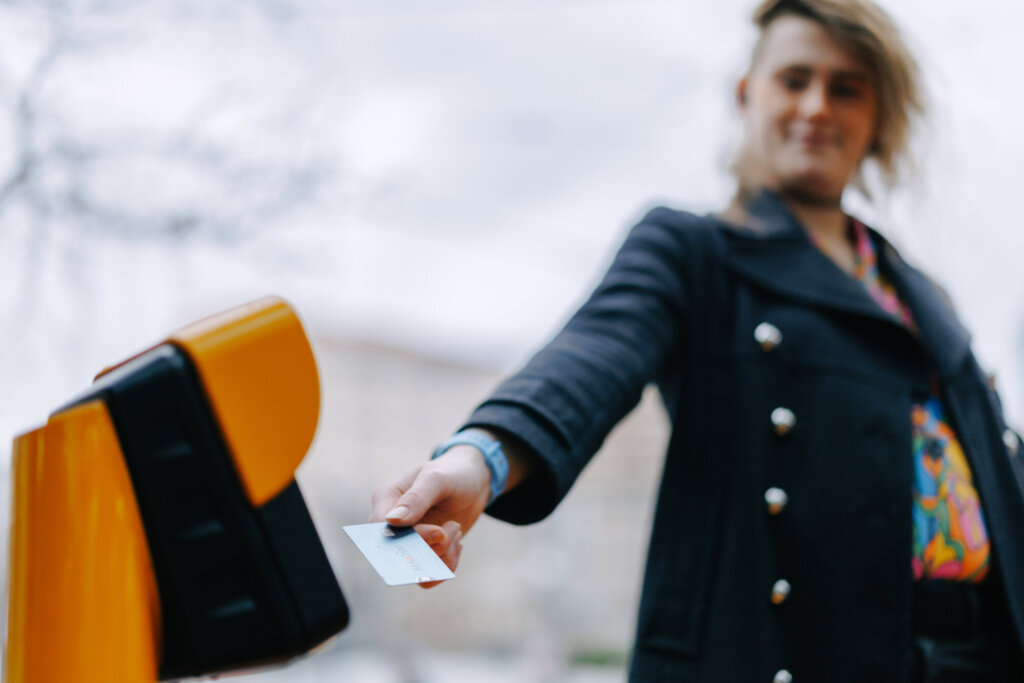
Everyone needs their own payment method to ride. Riders cannot pay for multiple riders or groups using one card or device.
Types of cards you can Tap to Pay include:
- Physical Visa, Mastercard, American Express, or Discover Network cards with a contactless symbol,
 .
. - Digital credit or debit cards in your phone or smart device. Make sure you have a card loaded in your digital wallet before tapping using Apple Pay, Google Pay, or Samsung Pay.
Card Not Working
Credit or debit cards may decline if you Tap to Pay while there are insufficient funds available on your credit or debit card. You can do the following to correct the issue:
- Add funds to your credit or debit card.
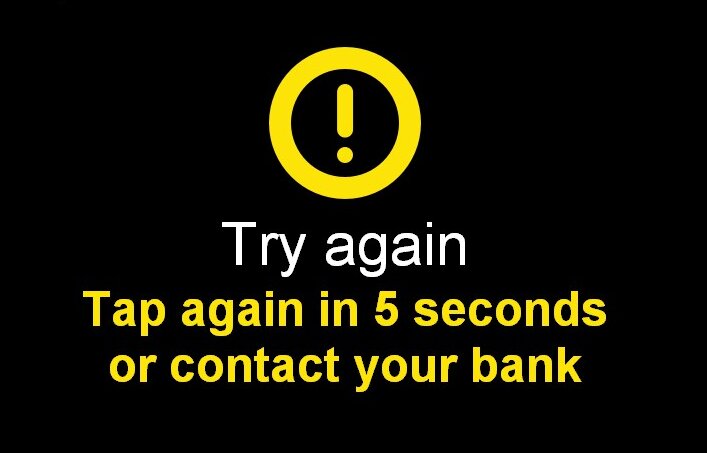
- Tap the declined card on an ORCA card reader next time you ride. You will see a yellow alert message after you tap. Follow the instructions on the screen and wait at least 5 seconds to tap again.
- Tap your card on the card reader for a second time and a green checkmark should appear. You will be charged for the unpaid fare plus your current fare payment.
How to Tap to Pay
It’s easy to pay your fare using Tap to Pay! Simply tap a physical credit or debit card, or a smart device with a credit card loaded into your digital wallet, on the ORCA card reader. Wait until you hear a “boop” and see a green checkmark, and you’re ready to ride.
- With Apple Express mode, you can tap to pay if your Apple smart device is locked or unlocked.
- Android users can enable “skip verification for transit” and tap to pay using Google Pay without needing to wake up their screens.
Helpful Resources
Check Your Payment History
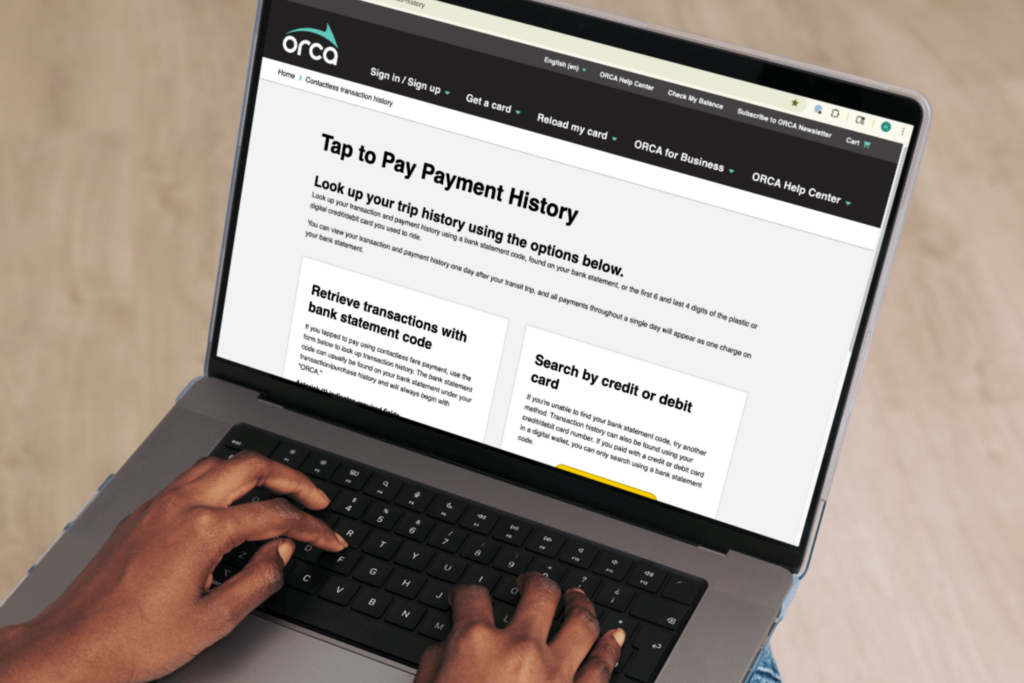
Look up your transaction and payment history using a bank statement code or the first 6 and last 4 digits of the physical credit or debit card you used to ride. If you used a digital wallet, you can only search using a bank statement code.
Read our Visitor's Guide

Learn how to pay for transit during your trip to the Puget Sound region. Understand how to get around and the benefits of using an ORCA card versus tapping a credit or debit card.
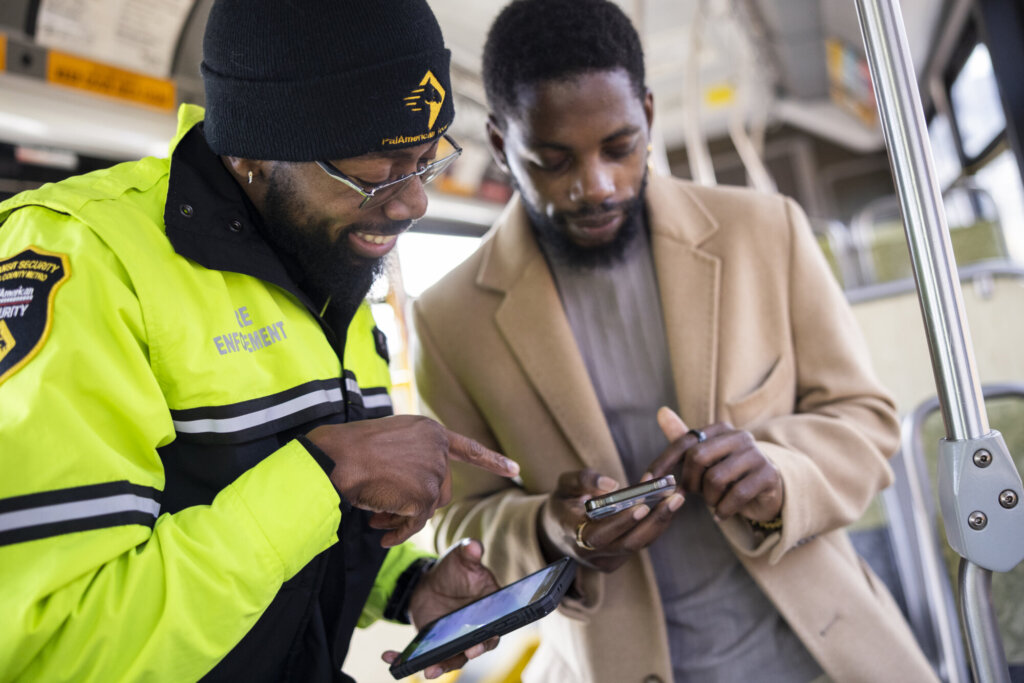
Tapped a Credit Card? Be Prepared to Share First 6 and Last 4!
If you tap to ride using a credit or debit card, fare inspection staff will ask you to share the last 4 digits of your card number during fare inspection. In some scenarios, you also may be asked to share the first 6 digits of your card number. This information allows fare inspection staff to confirm that you have paid your fare for your trip.
The last 4 digits of a credit card number are not unique to your card and allow fare inspectors to review transaction history without having access to sensitive information.
What to Expect During Fare Inspection
Transit agency fare inspection staff check transit fares, issue violations, and help answer passenger questions aboard transit.
Fare inspectors will ask for proof of payment on transit. They are transit employees trained to safely manage fare information, and they will always wear agency issued uniforms and identification, pictured above.
To verify fare was paid when using a credit or debit card, you must provide the last 4 digits of the card you tapped to pay. You can tell fare inspectors the last 4 digits of your card, or cover your card numbers and show only the last 4 digits. If you use a digital wallet, you will need to locate your digital card number within your wallet app.
Your card will never be scanned and you should never hand your card to fare inspection staff. Please keep your card on you at all times and only share the last 4, and if necessary, first 6 digits of your card. Fare inspectors will not ask for more information than what is necessary.

Learn More About Fare Inspection
Check out our article about the do’s and don’ts of fare inspection to learn more about paying with a credit or debit card.
Still have questions?
Visit our detailed FAQ to get answers to your questions, helpful tips, and troubleshooting support for using Tap to Pay.
Google Pay and Google Wallet are trademarks of Google LLC.
Apple Pay is a service provided by Apple Payments Services LLC, a subsidiary of Apple Inc. Neither Apple Inc. nor Apple Payments Services LLC is a bank. Any card used in Apple Pay is offered by the card issuer.